pentaglyph
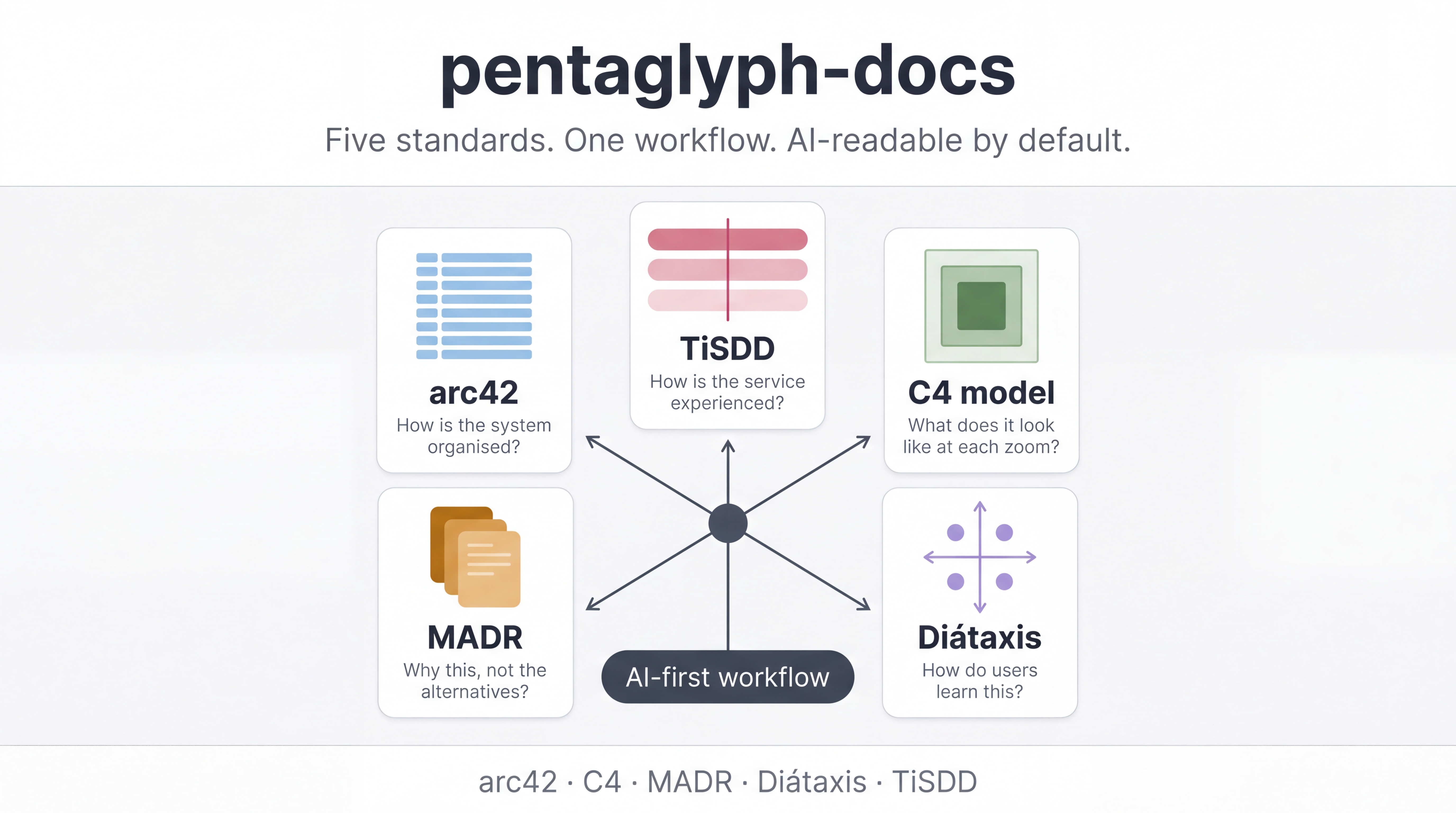
Five peer standards. One opinionated kit. Documentation your AI agent can actually navigate.
The five standards, plus one binder
Section titled “The five standards, plus one binder”Click any card to read the standard’s dedicated page.
arc42 Architecture documentation template by Dr. Peter Hruschka & Gernot Starke — the de-facto standard for software architecture in the German-speaking world. arc42.org
C4 model Simon Brown's four-tier visual notation for software architecture: Context → Container → Component → Code. c4model.com
MADR v3.0 Markdown Architecture Decision Records — every architectural decision is one file, one ID, one immutable record. adr.github.io/madr
Diátaxis Daniele Procida's four-quadrant model for technical writing: Tutorials, How-to, Reference, Explanation. diataxis.fr
TiSDD This Is Service Design Doing — the canonical book on service design methods (personas, journeys, blueprints). thisisservicedesigndoing.com
PEL (binder) Project Engagement Layer — composes eight client-communication primitives (Inception Deck / GitLab Handbook / Amazon 6-pager / DACI / RAID / PR-FAQ etc.) for consulting work.
Why does this exist?
Section titled “Why does this exist?”Documentation standards already exist — but the gap is a single workflow that tells humans and AI agents where every artifact goes, when to write it, and what state it goes through. pentaglyph fills exactly that gap. External standards stay authoritative; pentaglyph only adds:
- A concrete file layout that maps each standard to a directory.
- A canonical
WORKFLOW.mdcovering placement and lifecycle. - Per-directory
README.mdfiles with explicit AI instructions. - A Bun-based CLI (
bunx --bun @uyuutosa/pentaglyph init) that scaffolds the kit.
Quick start
Section titled “Quick start”bunx --bun @uyuutosa/pentaglyph init ./my-project --profile=standard --ai=claudeThat command creates ./my-project/docs/ populated with the kit and
./my-project/.claude/rules/documentation.md for the Claude Code auto-load rule.
Then open ./my-project/docs/AI_INSTRUCTIONS.md and ./my-project/docs/WORKFLOW.md —
those two files are everything you need.