What is pentaglyph?
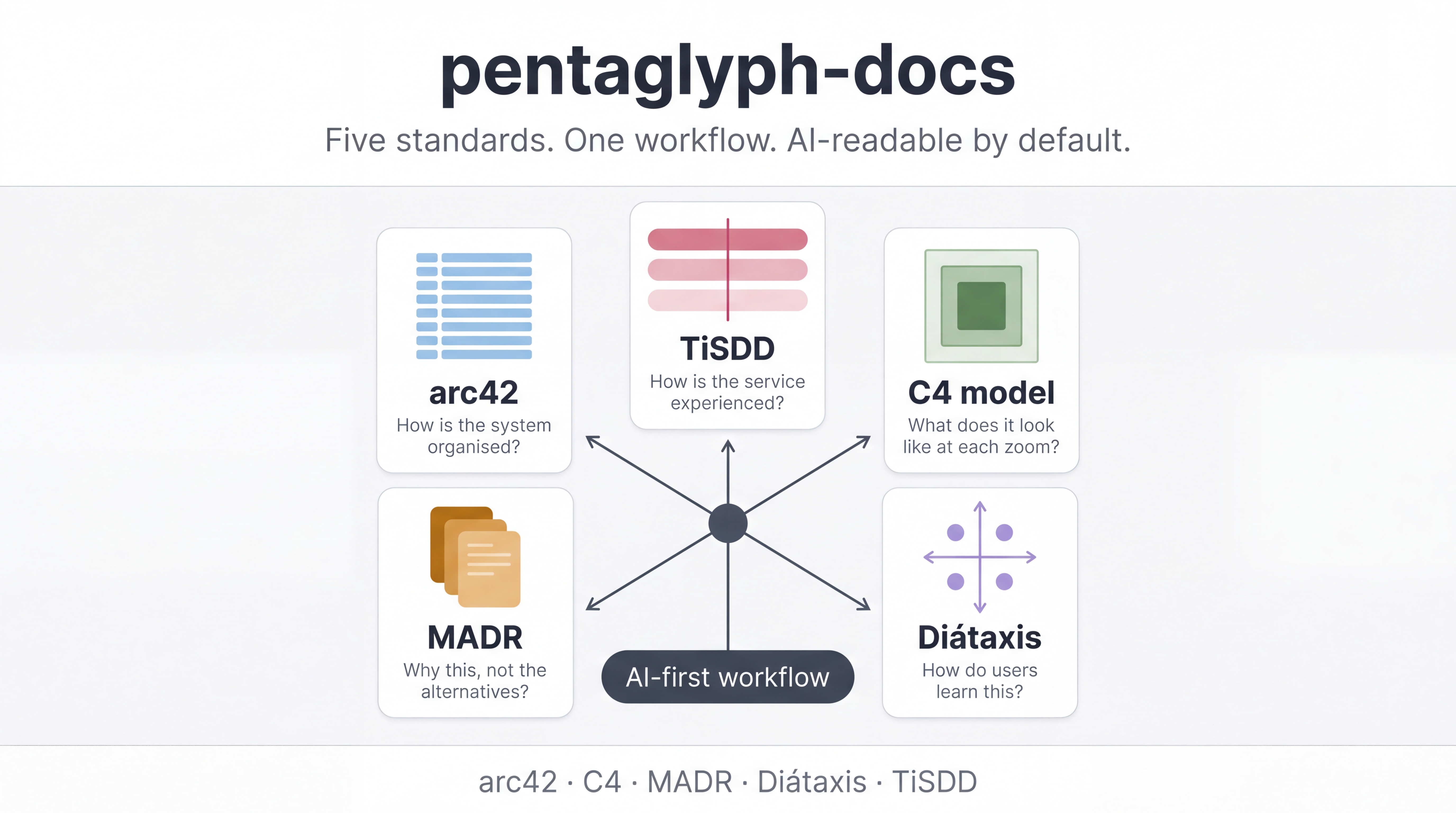
pentaglyph is a documentation scaffold — a kit of templates, directory layouts, and a single canonical workflow — that binds five industry-standard practices into one project structure your humans and your AI agents can both navigate.
The name comes from Greek penta (“five”) + glyph (“engraved sign”). Five peer standards, engraved into one opinionated layout, plus a sixth slot (the Project Engagement Layer) that composes eight well-known client-communication primitives for consulting work.
The five standards
Section titled “The five standards”| # | Standard | What it does | Authoritative source |
|---|---|---|---|
| 1 | arc42 | Architecture documentation — 12-section template | arc42.org |
| 2 | C4 model | Visual notation for software architecture | c4model.com |
| 3 | MADR v3.0 | Markdown Architecture Decision Records | adr.github.io/madr |
| 4 | Diátaxis | Four-quadrant technical writing model | diataxis.fr |
| 5 | TiSDD | Service design methods (personas, journeys, blueprints) | thisisservicedesigndoing.com/methods |
| 6 | PEL (binder) | 8 client-engagement primitives composed under one home | per-primitive URLs in template/docs/STRATEGY.md §2.6 |
External standards stay authoritative. pentaglyph does not invent a sixth peer standard — slot 6 is a binder that composes existing primitives (Inception Deck, GitLab Handbook weekly update, Atlassian weekly status, Basecamp Heartbeat, Amazon 6-pager, Now-Next-Later, DACI, RAID, PR-FAQ).
What pentaglyph adds
Section titled “What pentaglyph adds”Standards alone are not a system. Most teams adopt arc42 or Diátaxis or MADR in isolation and end up with three half-followed conventions, no agreed lifecycle, and AI agents that have no idea which directory to write to. pentaglyph adds:
- A concrete file layout that maps each standard to a directory under
docs/— predictable, hard to misplace. - A single canonical workflow (
docs/WORKFLOW.md) that tells humans and AI agents when to write what, where to put it, and what lifecycle state it goes through (Draft → Active → Superseded → Archived). - Per-directory
README.mdfiles with explicit AI instructions so an LLM can place new content correctly with zero project context. - A Bun-based CLI (
cli/) that scaffolds a new project’sdocs/from this template with profile, language, and AI-target options.
Quick start
Section titled “Quick start”bunx --bun @uyuutosa/pentaglyph init ./my-project --profile=standard --ai=claudeThat command creates:
./my-project/docs/— populated with the full kit (all five standards’ templates)../my-project/.claude/rules/documentation.md— the auto-load rule for Claude Code.
Then open ./my-project/docs/AI_INSTRUCTIONS.md and ./my-project/docs/WORKFLOW.md.
Those two files contain everything you need.
Who is pentaglyph for?
Section titled “Who is pentaglyph for?”- Engineering teams that want to standardise architecture, decision, and user-facing documentation without writing their own scaffold.
- AI-augmented teams (Claude Code, Cursor, Copilot Workspace) that need documentation an agent can navigate and update without human babysitting.
- Consulting / advisory practices that need client-engagement artifacts (status updates, decision logs, 6-pagers) co-located with technical docs.
Who pentaglyph is not for
Section titled “Who pentaglyph is not for”- Teams that already have a mature internal doc system they are happy with.
- Single-file projects where
README.mdis sufficient. - Teams that want a single proprietary standard instead of composing established open ones — pentaglyph deliberately defers to upstream sources.
Next steps
Section titled “Next steps”- 30-minute tutorial — PRD → ADR → Module DD → code with paired doc. The fastest way to feel how the kit clicks together.
- Why pentaglyph exists — the design rationale and what gap in the documentation-standards ecosystem it fills.
- Use with Claude Code — the AI-agent workflow, including the auto-load rule and prompt patterns.