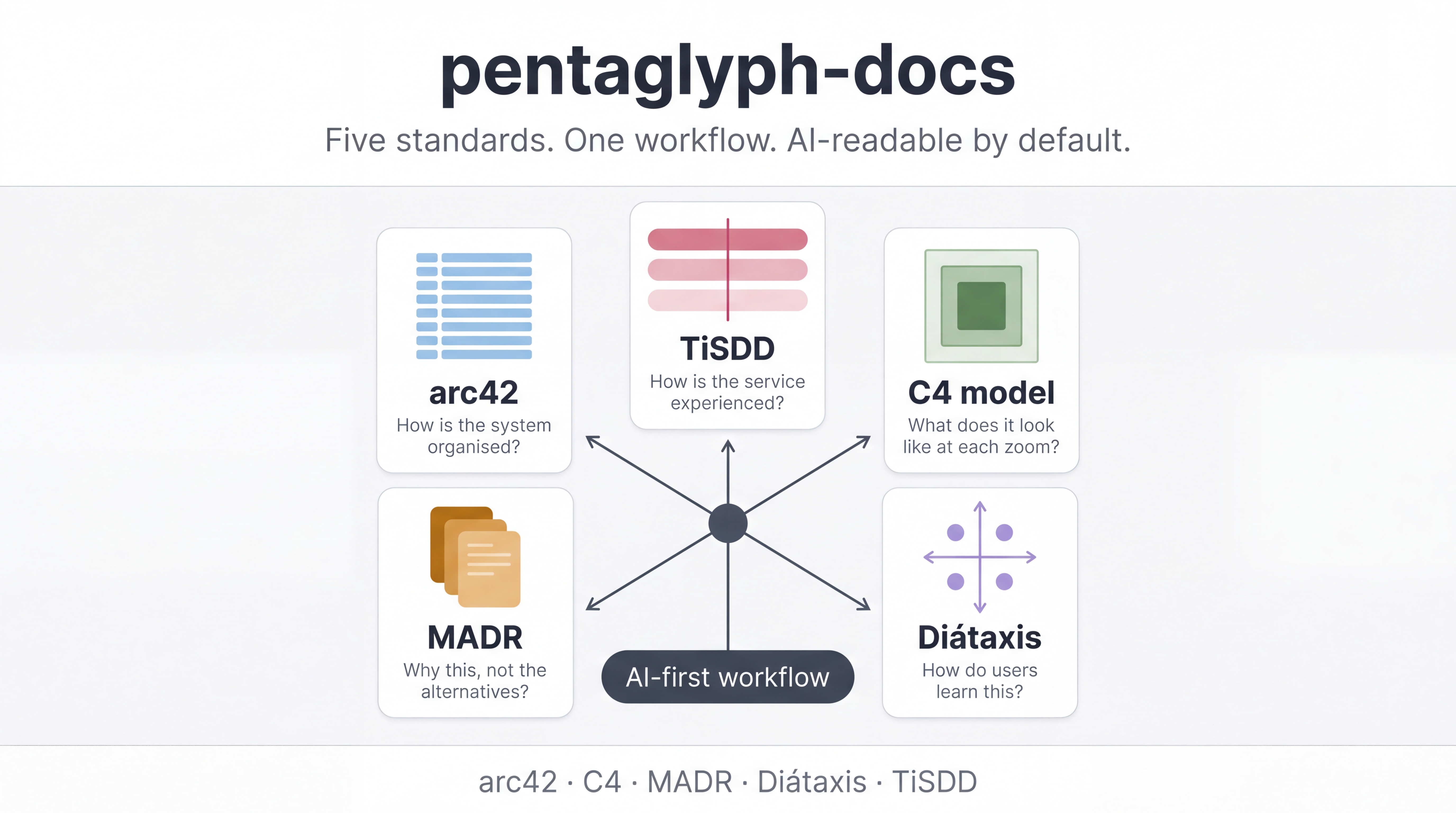
C4 model
The C4 model is a hierarchical visual notation for software architecture, created by Simon Brown in 2018. It defines four nested abstraction levels — Context, Container, Component, Code — and prescribes what each diagram should and should not show.
| Authoritative source | https://c4model.com |
|---|---|
| Maintainer | Simon Brown |
| Local home in the kit | template/docs/diagrams/c4/ |
| Slot in pentaglyph | #2 of 5 — the visual layer |
What problem does C4 solve?
Section titled “What problem does C4 solve?”Architecture diagrams typically suffer:
- Boxes-and-lines tyranny — nobody knows what a box represents (a process? a class? a database?).
- Notational fragmentation — UML, ArchiMate, ad-hoc shapes, all in the same repo.
- Single-zoom curse — one giant diagram showing everything is unreadable; one diagram per module loses the big picture.
C4 fixes all three by enforcing four discrete zoom levels, each with a clear semantics for what a “box” means at that level.
The four levels
Section titled “The four levels”| Level | What a box represents | Audience | Typical count per project |
|---|---|---|---|
| L1 — System Context | A whole software system (yours + external) | Everyone, including non-technical stakeholders | 1 |
| L2 — Container | A deployable / runnable unit (web app, API, database, message bus) | Developers and ops | 1 per top-level system |
| L3 — Component | A grouping of code within a container (a module, a package) | Developers working in that container | 1 per container |
| L4 — Code | Classes / functions (rarely drawn — IDEs already render this) | Implementers | Rare, on-demand only |
The discipline: never mix levels in one diagram. A Container diagram should not show external systems (that’s L1); a Component diagram should not show containers (that’s L2).
How pentaglyph uses C4
Section titled “How pentaglyph uses C4”Pentaglyph treats docs/diagrams/c4/workspace.dsl (Structurizr DSL) as the single source of truth for all C4 diagrams. SVG renders go under docs/diagrams/c4/exports/ and are committed so GitHub / CodeCommit web UIs can display them without local tooling.
template/docs/diagrams/c4/├── workspace.dsl ← single source of truth (Structurizr DSL)└── exports/ ← committed SVG renders ├── system-context.svg ├── container.svg └── component-<name>.svgPentaglyph pairs C4 diagrams with arc42:
- arc42 §3 Context & Scope ↔ C4 L1 System Context
- arc42 §5 Building Blocks ↔ C4 L2 Container + L3 Component
- arc42 §6 Runtime View ↔ sequence diagrams (not C4 per se, but rendered the same way)
- Structurizr DSL — text-based DSL, version-controllable, recommended by Simon Brown himself.
- Structurizr Lite — local renderer for DSL.
- PlantUML / Mermaid — work, but require manual layout and lose the official C4 styling.
- Drawing tools (Lucidchart, draw.io) — accepted but they drift from code and cannot be linted.
When to use C4
Section titled “When to use C4”- Whenever a non-trivial architectural conversation involves drawing a box. C4 makes “what kind of box is that?” answerable in one word.
- Especially valuable for onboarding — new engineers can read C4 diagrams cold.
When NOT to use C4
Section titled “When NOT to use C4”- Single-process scripts.
- Diagrams of processes (BPMN is better) or data flow in detail (DFDs are better at that specific job).
Authoritative references
Section titled “Authoritative references”- Official site: https://c4model.com
- Book: Software Architecture for Developers — Simon Brown
- Talks: Simon Brown’s Visualising software architecture talks (multiple recordings on YouTube)
- Structurizr docs: https://docs.structurizr.com
See also
Section titled “See also”- arc42 — the textual structure pentaglyph pairs C4 with
- Why five standards — why C4 alone isn’t enough